
Managing employee training kinda goes sideways once your business gets bigger. New hires need onboarding, existing teams want to pick up new abilities, and managers want a clear picture of what people are actually learning. If you try to juggle it all with emails, spreadsheets, or separate training sessions… you know it starts feeling off, really fast.
That’s where a learning management system (LMS) kinda steps in. It basically gives companies a single spot where training can be lined up, courses can be posted, and employee progress can be watched. But choosing the best corporate LMS isn’t just about features, it’s also about how the system fits your normal day to day routines.
Pros of Using a Learning Management System for Businesses
1. Centralized Training Management
One big win with an LMS is that it keeps training materials in one place. Teams can organize courses, assessments, and learning resources without hopping between a bunch of tools that don’t really connect.
So employees locate what they need quicker, and admins can run learning activities with less confusion, more control.
2. Flexible Learning Opportunities
People have different calendars, workloads, and learning goals. With an LMS, employees can jump into online courses and self paced learning so they finish training in the window that matches their work rhythm.
This is especially helpful for remote groups, or businesses where staff operate across regions, different sites, etc.
3. Easier Progress Tracking
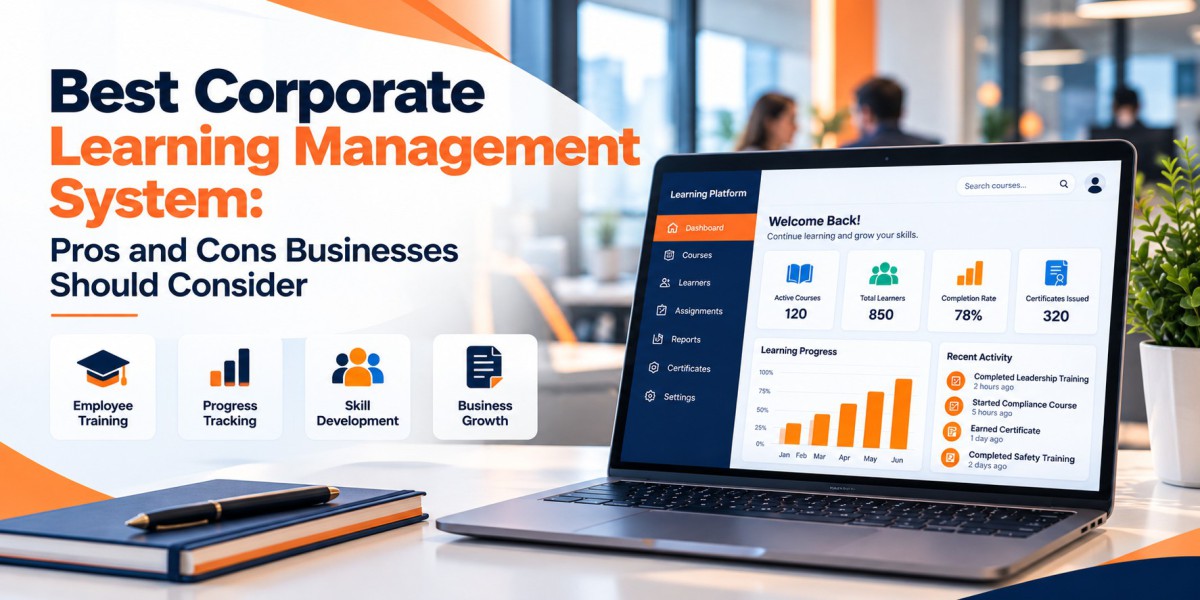
Managers usually want answers right now, like who is finishing training, and where extra support might be needed. LMS reports can show course completion, assessment results, and overall learning activity.
Instead of chasing updates across multiple systems, administrators can use reporting to make smarter training decisions.
4. Consistent Employee Training
When you’ve got multiple departments, or various locations, an LMS helps you deliver the same learning content to everyone.
That means employees get the same core info about company procedures, responsibilities, and long term professional growth.
5. Support for Long-Term Skill Development
Learning shouldn’t end the second onboarding is over. An LMS supports ongoing training as job requirements shift, tech changes, and company objectives move.
In other words, it helps organizations keep stacking skills over time, not only during that first week.
Cons of Using a Learning Management System for Businesses
1. Setup Can Require Time and Planning
Launching an LMS isn’t just signing up. Businesses may need to upload courses, build learning paths, enroll employees, and adjust a lot of admin settings.
If you don’t map it out early, the rollout can take longer than expected, and yeah it can feel unavoidable.
2. Costs May Increase Over Time
Even though an LMS improves training management, it’s still a real investment. Subscription fees, optional features, course creation costs, and integration expenses can add up.
So don’t judge it only by the subscription cost, look at the full picture.
3. Employee Engagement Can Be Tricky
Having training available doesn’t automatically mean people will actually engage. If the courses feel repetitive, out of date, or kinda mismatched to what employees do, learners may lose interest.
Still, companies have to refresh content regularly, set clear learning targets, and make sure employees have a practical path to use what they learn.
4. Training Materials Need Regular Updates
Business processes and professional expectations don’t stay frozen. Admin teams have to review course content periodically so employees get info that remains correct and helpful.
That becomes a continuing duty for the training group, not a one time task.
5. Choosing the Wrong Platform Can Create Problems
Some organizations want a straightforward onboarding flow, plus basic training. Others need deeper reporting, integrations, and better support for a bigger workforce.
If you choose a platform that doesn’t match your needs, you might keep paying for capabilities your team barely uses.
How to Choose the Best Corporate LMS
Before you commit, write down your organization’s main training pain points. Think about how many employees you have, what budget is available, what kinds of courses you offer, and what reporting managers truly need.
When you compare the best corporate LMS options, prioritize practical stuff like usability, course administration, employee progress visibility, mobile access, and integration support.
Also request a demo, or run a quick trial before you decide. Confirm whether the system can handle your current training needs and still scale as your company grows.
Most importantly, don’t pick something just because it looks feature heavy. Choose based on real value, and whether it makes learning easier for employees, and admin teams too.
Final Thoughts
A learning management system helps businesses organize training, improve access to learning materials, and track employee progress. But it works best when implementation includes planning, investment, engaging content, and ongoing maintenance.
The best choice depends on your organization’s goals, plus the resources you can support. If you weigh the pros and cons carefully, businesses can find a platform that backs employee development, keeps training manageable, and avoids unnecessary stress for everyone involved.