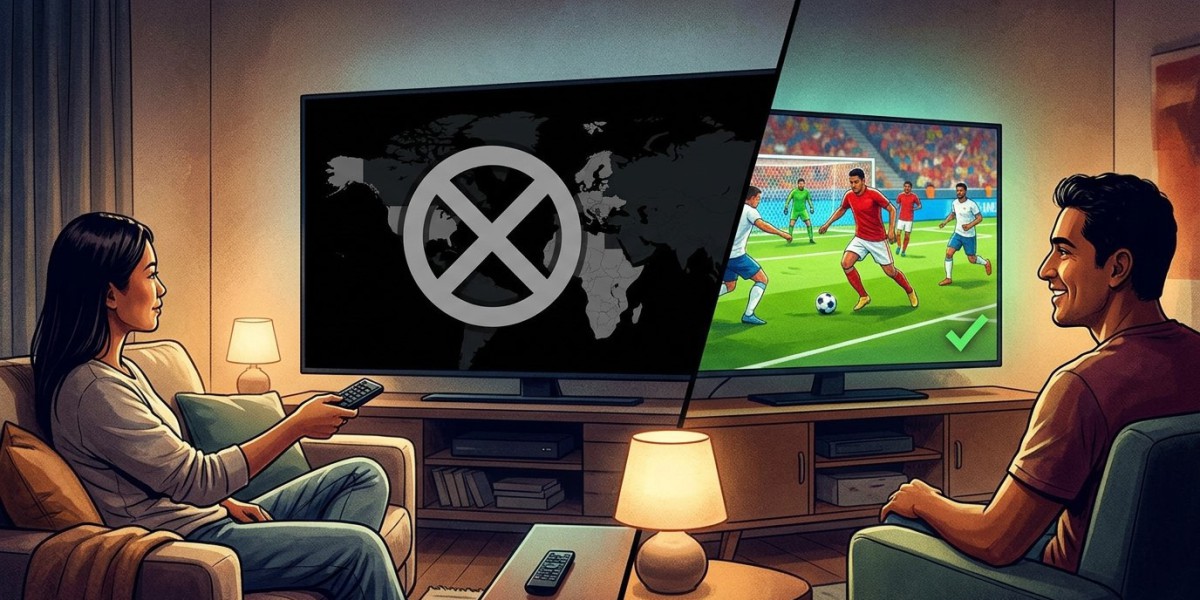

You click a channel and get a message saying it isn’t available where you are, even though the channel next to it plays fine. It’s frustrating, but it’s rarely a glitch. In most cases, it comes down to how broadcasting rights are sold. In this guide, we’ll explain why regional restrictions exist, what can trigger the message by mistake, and what to do about it with IPTV India on your Indian IPTV Box.
This is general information, not legal advice. Rights and terms vary by channel and provider, so ask your provider about specific channels.
Table of Contents
- Why Regional Restrictions Exist
- Common Reasons You See the Message
- When the Message Is a Mistake
- How to Find Out Which Case You’re In
- What to Do Next
- What Not to Do
- FAQs
Why Regional Restrictions Exist
Broadcasters and content owners usually sell their rights by territory. A channel or a sports tournament may be licensed to one company for India, another for North America, and another for Europe. A provider can only carry what it’s licensed to carry for the places it serves.
That’s why restrictions often appear on:
- Live sports, especially major cricket tournaments, where rights are negotiated region by region
- Newly released movies and premieres
- Certain entertainment channels or shows whose rights are held by different companies in different countries
- Events with special rights arrangements, such as festivals or one-off broadcasts
Rights can change over time, so a channel that worked last month may be restricted now, or the reverse.
Common Reasons You See the Message
- The channel isn’t licensed for your territory. The provider may simply not have the right to show it in the USA
- A rights change. A new deal can move a channel to a different distributor mid-season
- A blackout. A specific match or program may be blocked in your region even though the channel normally plays
- Your plan doesn’t include it. Some channels are limited to certain packages or add-ons
- The source has restricted access. The broadcaster may block certain locations at its end
- Your app or account region. Some apps use the region set on your account or device
When the Message Is a Mistake
Sometimes the system gets your location wrong. This can happen when:
- A VPN or proxy is active on your device or router, so the service sees an address in another country. Our guide on VPN routers explains how these settings can interfere
- Your mobile carrier routes traffic oddly, so your address maps to a different area than where you are
- You recently moved or are traveling, and location databases haven’t caught up
- Your device’s location or time zone settings are wrong
- Shared or carrier-grade addressing makes many customers appear to come from one place
- A database error. Address-to-location lookups are imperfect
How to Find Out Which Case You’re In
Try these quick tests:
- Test another channel from the same broadcaster
- Try another device and another network, such as your phone on mobile data
- Turn off any VPN or proxy and test again
- Check your device’s time zone and location settings
- See whether the problem affects only one event. A single match points to a blackout or rights issue
- Check your plan for the channel’s package
- Ask other subscribers or your provider whether they see the same message
If it clears when you turn off a VPN, or works on another network, your location was misdetected. If it fails everywhere, it’s probably a rights or plan issue.
What to Do Next
- Ask your provider directly. Give them the channel name, the exact message, the time, and your general location, and ask whether it’s licensed for your region and whether an alternative is available
- Check whether it’s included in a different package or add-on
- Look for official options. Some broadcasters and rights holders offer their own streaming services or apps in specific regions, and those are often the legitimate way to watch restricted events. Availability and pricing vary
- Check for alternative channels that carry the same content in your region, such as a differently licensed feed
- Wait and retry. Some restrictions apply only during a specific broadcast
- Fix any location mistakes, such as turning off a VPN, correcting settings, or restarting your router and box
- Report persistent errors if you believe your location is being detected wrongly
What Not to Do
- Don’t try to get around restrictions with tools that disguise your location. Doing so may breach your provider’s terms or the content owner’s rights, and it can put your account at risk
- Don’t pay for “unlock” tricks or unknown apps promising every channel everywhere
- Don’t share your login with people in other regions to get around licensing
- Don’t assume the provider is hiding something. Rights restrictions are usually out of their hands
FAQs
1. Why is one channel blocked while the others work?
Rights are often sold per channel and per territory, so a single channel may not be licensed for where you live while others are.
2. Why does it say “not available in your region” when I’m in the USA?
It may be a real rights restriction, a one-off blackout, or a mistaken location caused by a VPN, a mobile carrier, or a database error. Test other networks and ask your provider.
3. Will turning off my VPN fix it?
If a VPN made the service think you were elsewhere, yes. If the channel isn’t licensed for your region, turning it off won’t change that.
4. Can I watch it somewhere else, like on a trip?
It depends on the channel’s rights and your plan’s terms. Ask your provider before you travel.
5. Could a restriction go away later?
Yes. Rights deals change, so channels can become available or restricted over time. Your provider can tell you what’s planned.
Know What’s Available Where You Live
Regional messages usually reflect licensing, not a fault in your setup, and a few quick checks tell you which it is. Choose a transparent IPTV India provider that’s upfront about what it carries, pair it with a reliable Indian IPTV Box, and ask before you subscribe about the channels that matter most to you. Explore our IPTV plans today and find a lineup that fits.